Equipment & files
How to organize a DJ music library you can actually use
Make the next useful record easier to find with a small, consistent system of roles, versions and notes.
The practical answer
Organize your DJ library around decisions you make while playing: event role, musical character, intensity and reliable track versions. Keep a simple naming and tagging system, remove confusing duplicates carefully, and back up both audio files and library data.
Design tags around real questions
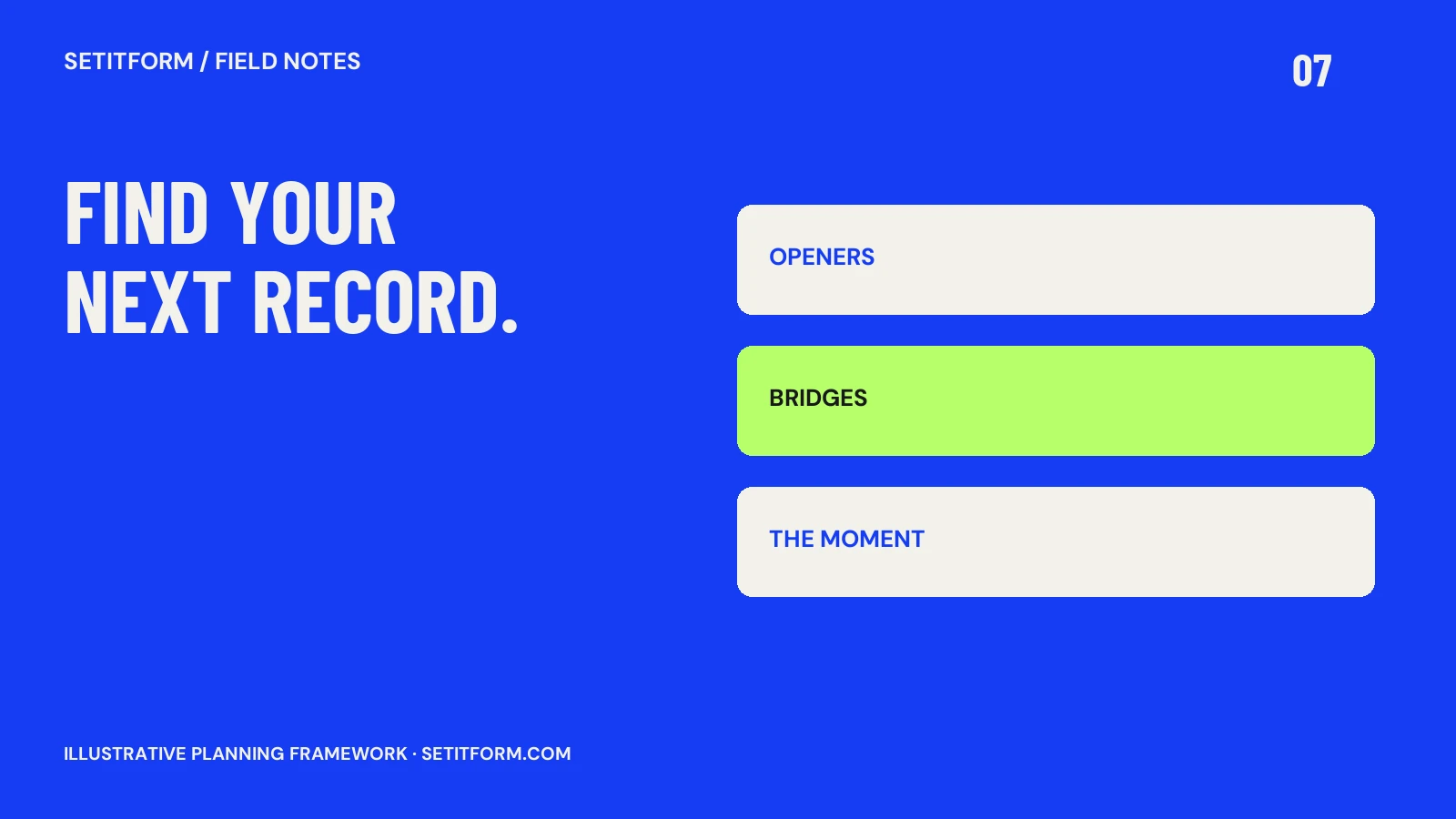
Start with the questions you ask in the booth. Do you need a restrained opener, a percussion-led bridge, a vocal moment or a calmer exit? Those roles can sit alongside genre and tempo. Use a short vocabulary you can remember rather than dozens of nearly identical labels. “Warm,” “spacious” and “driving” should mean something consistent in your own listening practice. These are personal working notes, not objective measurements. Try the system on one event crate before reorganizing an entire collection; a useful experiment is easier to maintain than a huge taxonomy.
Distinguish versions before removing duplicates
The same title may refer to an extended mix, radio edit, instrumental or a different master. Listen and check the file before treating it as redundant. Keep the version you actually intend to play clearly identifiable. Avoid renaming or moving source files casually after a library points to them: use the software’s documented relocation or management workflow where appropriate. A duplicate-cleaning session should end with working references and known versions, not simply a smaller folder. Keep recoverable copies until you have checked the changes.
Write notes at the point of discovery
A useful note explains something that metadata cannot. Examples include “vocal enters after long percussion intro,” “bass needs room in the handover” or “short breakdown changes the momentum.” Add notes while auditioning, when the detail is fresh. Keep them brief enough to read quickly. Do not use a rating as a substitute for understanding the track: a favorite record may still be wrong for a specific slot. Pair notes with a small event shortlist so your discoveries turn into decisions rather than disappearing into the full collection.
Back up the music and its organization
A software backup and a copy of your audio are not automatically the same thing. Serato’s Library Auto Backup guidance identifies material excluded from that backup, including music files. Check the equivalent instructions for your application. Maintain an independent copy of the audio and the relevant library data, then test that you can recover a small selection. A backup process you have never tried restoring leaves an important question unanswered. Document where the copies live without storing private credentials in event notes.
Make maintenance a small repeatable habit
After a gig, add one useful transition note, correct any misleading tag and remove tracks that entered an event crate by mistake. Periodically check broken file references and review music you repeatedly skip. Archive cautiously instead of deleting in bulk when you are uncertain. The aim is a library that reflects how you work now. If a tag never changes a selection decision, it may not deserve the time required to maintain it. Keep the structure simple enough that it survives busy weeks and last-minute bookings.
Common questions
Should I organize by genre or by mood?
Use the combination that answers your actual selection questions. Genre can narrow the field; role and musical character can make the final choice easier.
Is my DJ software backup enough?
Check its documented scope. Some library backups do not include the actual audio, so verify both the files and library information are recoverable.
Sources & approach
Preparation frameworks and examples are Setitform editorial guidance. Linked primary sources support the specific software or platform statements beside them; they do not endorse this article. Sources checked on 30 October 2026. Software and service terms can change.
Written with AI assistance and checked against the linked documentation. This article has not been independently reviewed by a named DJ. Read our editorial policy or send a correction.