Discovery
A music discovery workflow for DJs: from finding to playing
Separate the thrill of finding a record from the practical work of making it ready for a set.
The practical answer
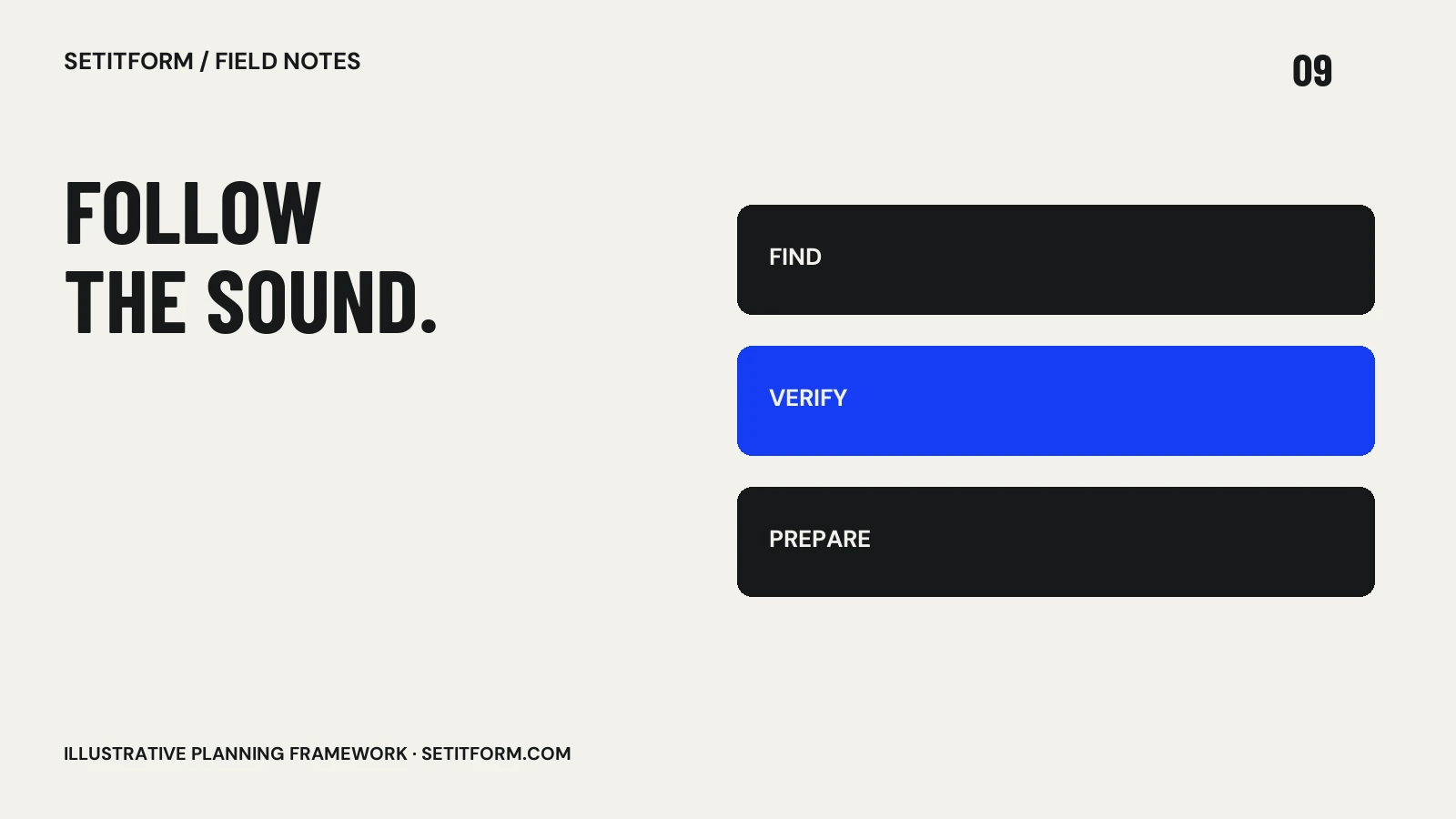
Use discovery services to find candidates, then verify the artist, exact version, legitimate file source and playback compatibility. Audition the whole track, write a useful note and place it in a relevant event crate before calling it ready.
Follow people and catalogs with context
Start with artists, labels, record stores and selectors whose work connects with the musical direction you want. Follow credits and label catalogs rather than collecting isolated recommendations endlessly. When a track catches your attention, record why: percussion, vocal character, space, tension or a specific moment in the arrangement. This makes discovery useful for preparation instead of becoming an unsearchable pile of saved links. Treat popularity as one signal among many; a record’s relevance to your event is a separate question from how often it appears in a feed.
Keep a candidate inbox separate from the gig crate
A saved link means “worth investigating,” not “ready to play.” Give new discoveries a temporary home with a source link, artist, title and intended use. Review that inbox when you can listen properly. Move a track into an event crate only after checking the version and preparation requirements. This separation prevents unfamiliar music from entering a performance plan by accident. It also makes it easier to discard a discovery that sounded promising in a short clip but does not fit the event after a complete listen.
Find a legitimate playable version
Check the artist or label’s own release links and the store’s available formats. Bandcamp’s download-format guide lists its supported purchase formats; the best choice still depends on your player’s documented compatibility. A stream, a video and a purchased file are different things. Do not assume a saved video can be extracted for a set. YouTube’s developer policies restrict unauthorized downloading and separating audio through API clients. Use approved access methods and check the conditions of the service you actually use.
Audition the whole arrangement
Listen to the intro, the first full musical section, the breakdown and the outro. Check for a different vocal version, unexpected edit, abrupt ending or long passage that changes the room’s momentum. Compare the file you obtained with the reference that originally caught your ear. Prepare cues and notes in your software, then test a transition into and out of the track. The job is to understand what the record does over time. A strong thirty-second preview does not tell you how the next six minutes will behave in a set.
Close the loop after the event
Record whether the track served the role you expected and what made the transition work or fail. Avoid turning one crowd response into a universal verdict. The slot, surrounding records, sound and timing all affect the experience. Keep notes specific enough to help next time: “better after a stripped section” is more actionable than “works everywhere.” Revisit the artist or label when a release gives you something useful. A smaller discovery habit that produces understood, playable records can be more valuable than a large feed you never finish reviewing.
Common questions
Can I play every track saved in a streaming playlist?
Not necessarily. Availability, approved DJ integrations, subscription conditions and hardware support vary. Check the actual playback workflow before the gig.
Which audio format should I download?
Use a legitimate source and choose a format your intended player supports. Check its manual rather than assuming every lossless format works on every device.
Sources & approach
Preparation frameworks and examples are Setitform editorial guidance. Linked primary sources support the specific software or platform statements beside them; they do not endorse this article. Sources checked on 30 October 2026. Software and service terms can change.
Written with AI assistance and checked against the linked documentation. This article has not been independently reviewed by a named DJ. Read our editorial policy or send a correction.