Equipment & files
The rekordbox USB export checklist: prepare, verify, test
A careful export workflow starts with the player at the venue and ends with a real playback test.
The practical answer
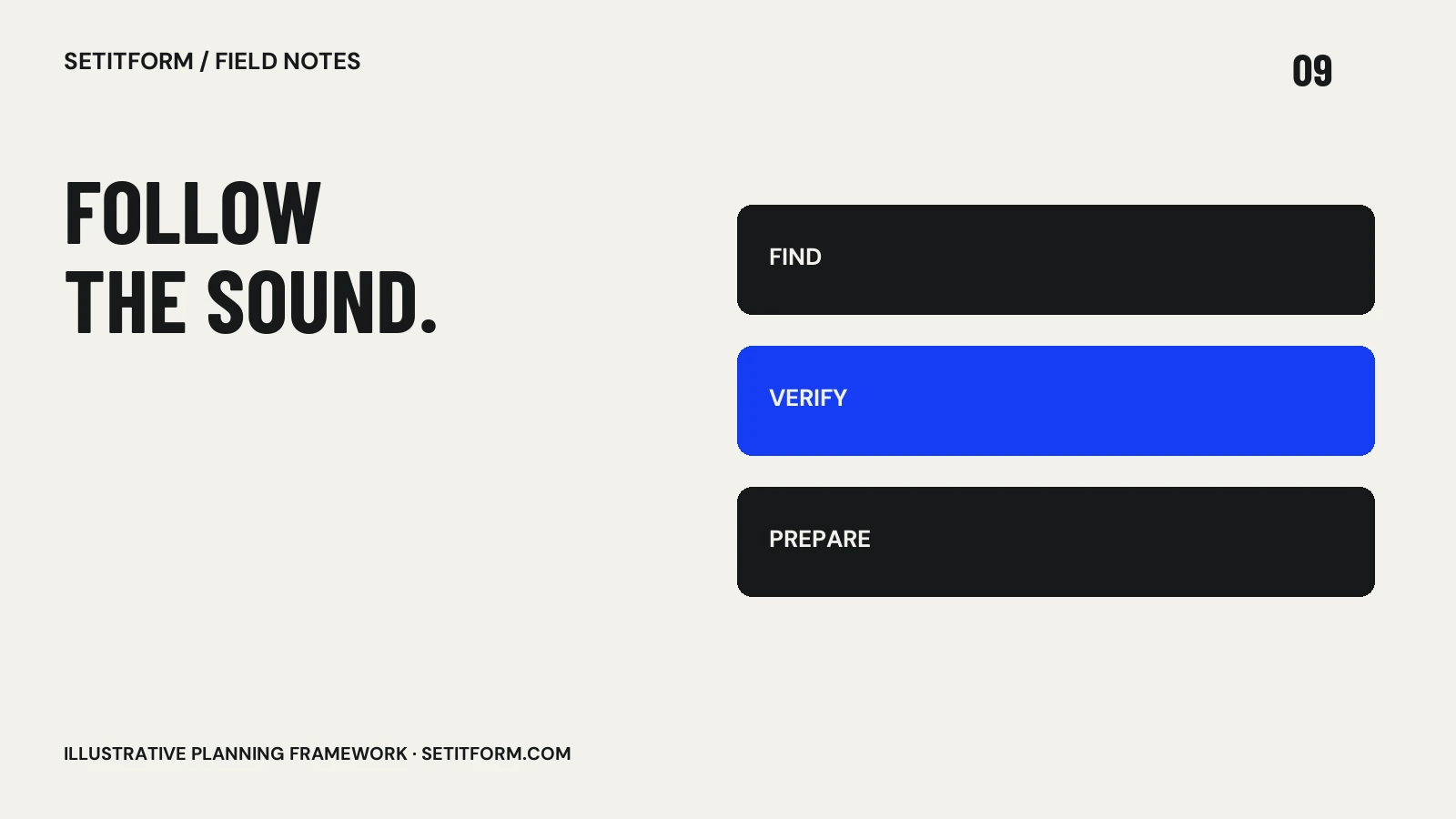
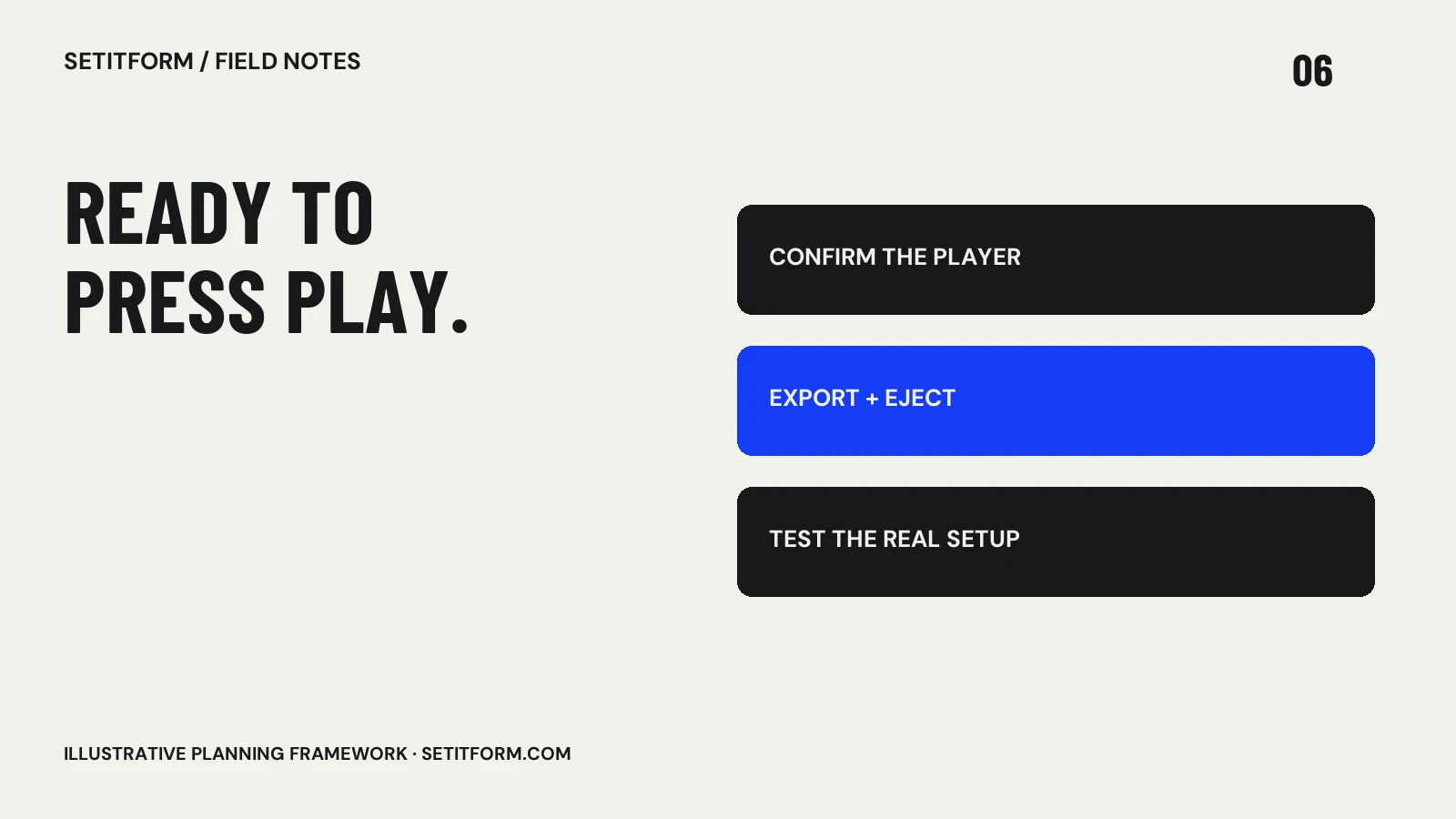
Check the exact player model and its supported library and media requirements, back up your music, export from rekordbox, safely eject the device and test tracks on compatible hardware. A completed export is not proof that every venue player can read it.
Confirm the player before preparing the drive
Ask the venue for the exact model and, where relevant, firmware version. Find its official manual and check supported storage, file systems and audio formats. Do not rely on “we have Pioneer decks” as a compatibility specification. Keep the equipment answer beside the event brief so it survives a last-minute handover to another organizer. If the venue cannot confirm the setup, prepare a contingency with the organizer rather than guessing. Record your own software version as well: instructions written for a different release may refer to menus or export behavior that have changed.
Protect the originals before changing anything
Keep a separate copy of the actual music files and your library information. Formatting storage erases its contents; do not format a working drive until you understand the player requirements and have verified a backup. A second partition or another folder on the same physical device is not an independent backup. Check that the backup contains playable audio, not just playlists and references. This guide deliberately does not prescribe one universal file system because compatibility depends on the hardware. Follow the player documentation and make any destructive storage changes carefully.
Check which library the player reads
The library format is part of compatibility, alongside the audio files. The official rekordbox library FAQ explains OneLibrary, previously called Device Library Plus, and device-specific support. Consult the current guidance for your equipment rather than assuming one library covers every model. Before accepting any conversion or overwrite prompt, understand what it changes and retain your source library. A USB that works on one player has demonstrated compatibility with that setup, not automatically every other player you might encounter.
Export a small test before the full collection
Create a short test playlist containing representative file types, a few prepared cues and a track with an arrangement you know. Complete the export, safely eject the drive, then load it on the intended player or a genuinely compatible test setup. Check browsing, track loading, audible playback and the preparation features you depend on. Once that passes, export the full relevant collection. Inspect the final result again: late changes, renamed files or an interrupted transfer can invalidate an earlier successful test.
Pack for failure without adding confusion
Carry a separately prepared backup device and label the drives clearly. Store them separately and know which is primary. Before leaving, test a track from the beginning, a cue you need and a later section rather than checking only that the device mounts on a computer. Keep an accessible list of your crucial tracks and event notes. At the venue, allow time to confirm the booth setup before your slot. If a player cannot read the drive, follow the agreed contingency instead of experimenting with formatting in the booth.
Common questions
Does copying audio files onto a USB equal a rekordbox export?
No. Copying files and exporting a prepared library are different workflows. Use the official workflow required by your player and test the result.
Should I format every USB the same way?
No. Follow the exact player’s supported media requirements, and back up all contents before any formatting.
Sources & approach
Preparation frameworks and examples are Setitform editorial guidance. Linked primary sources support the specific software or platform statements beside them; they do not endorse this article. Sources checked on 30 October 2026. Software and service terms can change.
Written with AI assistance and checked against the linked documentation. This article has not been independently reviewed by a named DJ. Read our editorial policy or send a correction.